For Website Owners
Manage domains, files, databases, SSL, email, backups, applications, redirects, logs, and usage from a visual dashboard.
Manage domains, files, databases, SSL, email, backups, applications, redirects, logs, and usage from a visual dashboard.
Create accounts and packages, monitor services, manage security, control resources, and review activity across the server.
Offer isolated customer accounts, package-based limits, white-label branding, migrations, and billing-system integration.
Choose any Web Host Pro VPS or dedicated server, then select HudsonPanel or ask support to configure it.
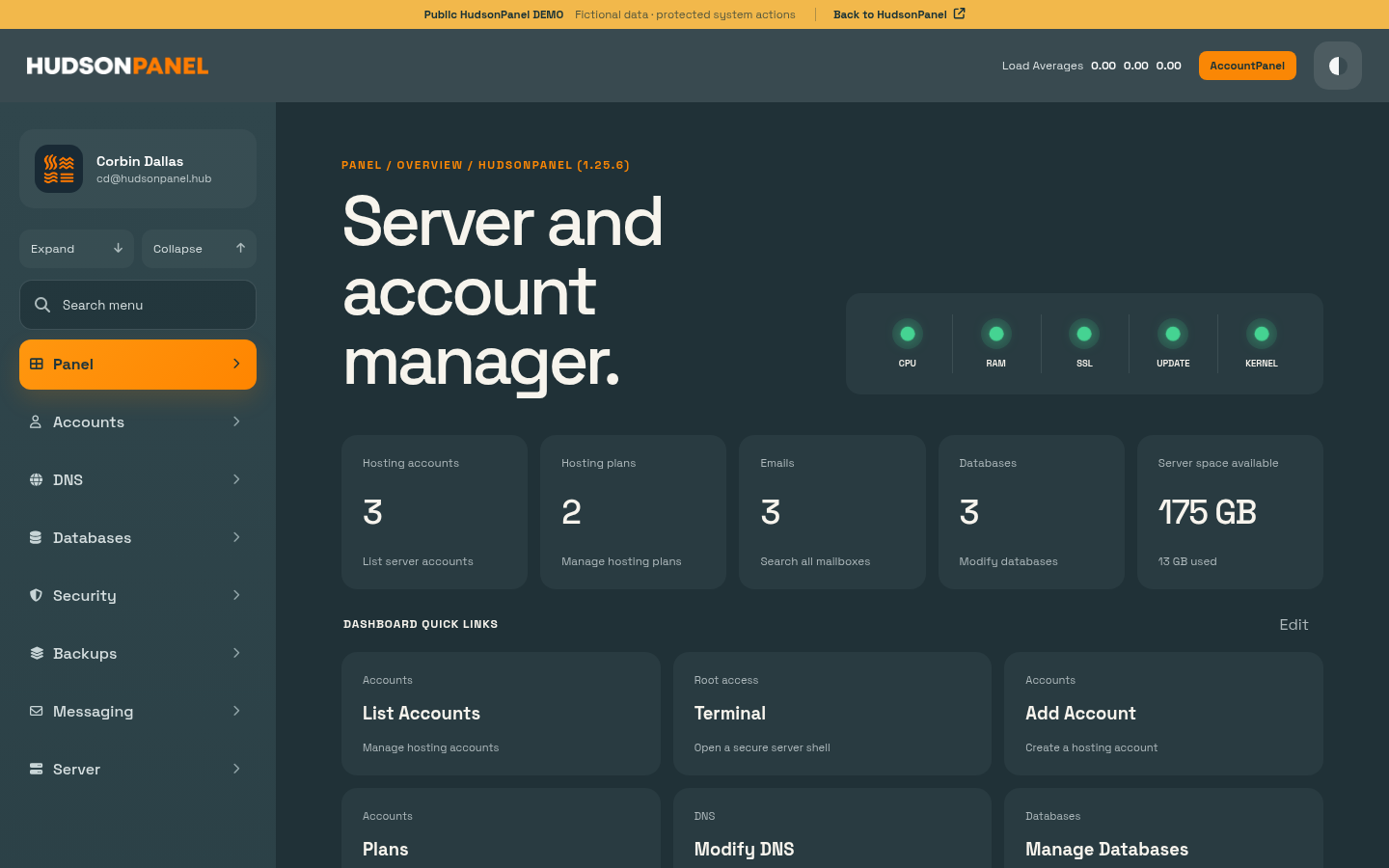
Manage hosting accounts, plans, DNS, databases, security, backups, messaging, and server health from one organized dashboard.
Explore Admin DemoGive website owners a focused workspace for domains, files, email, databases, applications, and usage without exposing server-wide controls.
Explore Account Demo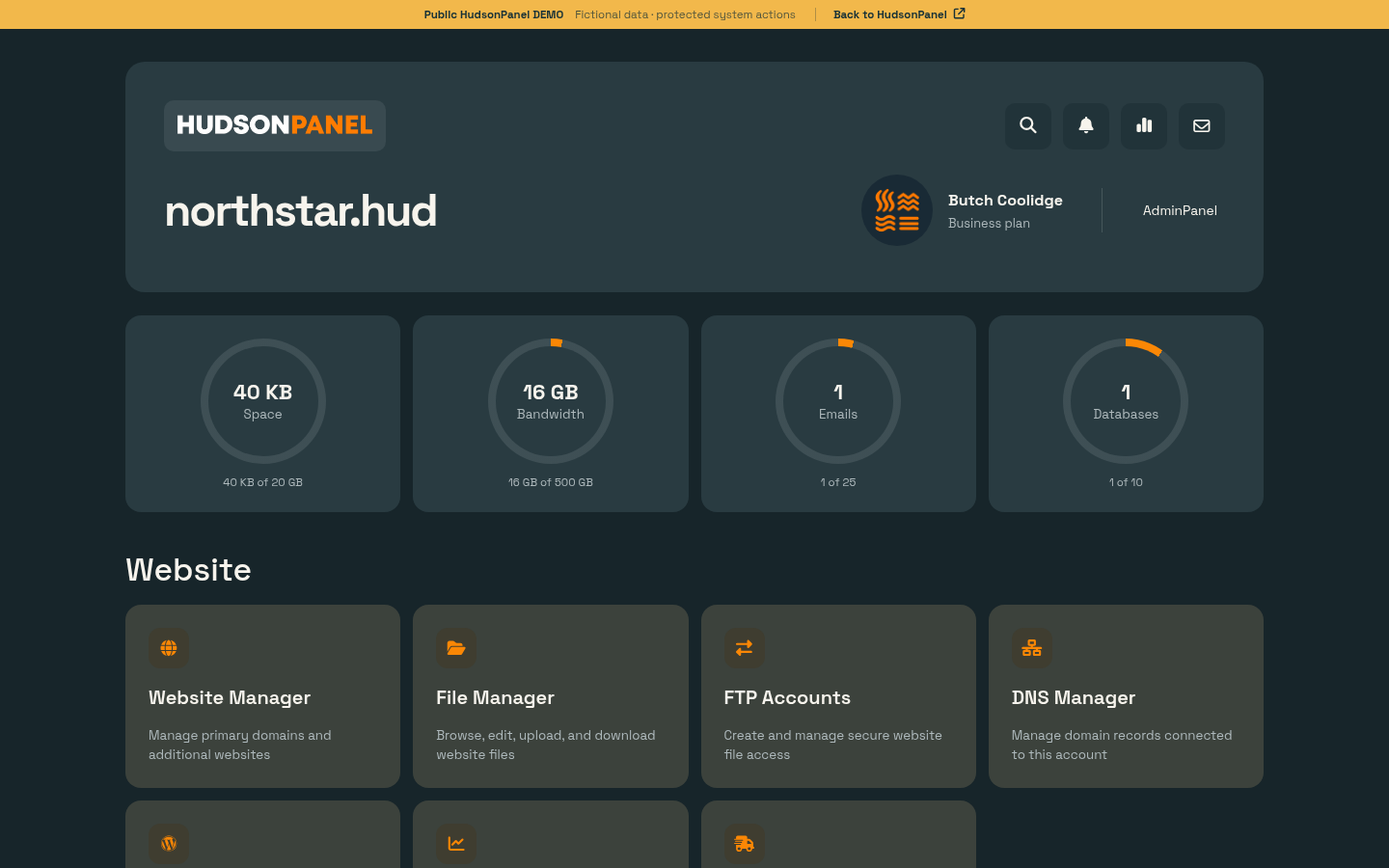
HudsonPanel has one included configuration for Web Host Pro VPS and dedicated-server customers. There are no per-account charges as you add websites and customers.
Unlimited hosting accounts, domains, databases, and email accounts, subject to server capacity
Malware scanning, Fail2Ban, ModSecurity WAF, SSL management, IP controls, and account isolation
PHP controls, Node.js, Python, Docker, Git deployment, browser terminal, Redis, and databases
Local and remote backup tools with a schedule configured only after customer approval
Free with every VPS and dedicated-server order: HudsonPanel is included at no added license cost with every Web Host Pro VPS and dedicated server. Select it during checkout or ask support to add it to an eligible service.
Manage standard websites, WordPress, email, databases, modern applications, security, and server resources without stitching together separate dashboards.
File manager with code editor, FTP accounts, primary and addon domains, subdomains, redirects, disk usage, and custom document roots.
Mailboxes, Roundcube webmail, forwarders, autoresponders, filters, SpamAssassin, delivery tracking, rate limits, SPF, DKIM, and DMARC.
Create MySQL databases and users, assign privileges, allow remote access, and open phpMyAdmin through single sign-on.
Edit common DNS record types and issue or renew free Let's Encrypt certificates, including supported wildcard certificates.
Install WordPress, Joomla, Laravel, PrestaShop, Drupal, Moodle, Nextcloud, and other supported applications with database and SSL setup.
Deploy public or private repositories from GitHub, GitLab, or Bitbucket, use webhooks, and roll back failed deployments.
Select supported Node.js versions, manage apps with PM2, configure environment variables, view logs, and connect domains through Nginx.
Create virtual environments, install packages, run applications with Gunicorn, and configure Nginx routing from the panel.
Pull images, configure ports, environment variables, volumes, restart policies, resource limits, and container logs.
Use a browser-based terminal under the hosting account and create, disable, or update scheduled jobs from the dashboard.
Review CPU, memory, disk, load, bandwidth, uptime checks, service status, website errors, security events, and account activity.
Import cPanel backups, pull accounts over SSH, or coordinate bulk migrations for website files, databases, email, SSL, and DNS.
HudsonPanel covers the everyday controls website owners need and the server-wide controls administrators use to keep accounts organized, isolated, and measurable.
HudsonPanel is designed for businesses, developers, agencies, and hosting providers that want broad server control without increasing the panel bill for every new account.
Add hosting accounts, domains, databases, and email accounts according to the resources available on your server.
The panel is included free with every Web Host Pro VPS and dedicated-server order, keeping the control-panel cost predictable.
Security, resource isolation, caching, application deployment, email, backups, and monitoring are managed together.
Package-based CPU, memory, IO, process, disk, inode, and bandwidth limits help keep customer workloads separated.
Host standard PHP websites alongside Node.js, Python, Docker, Git-based deployments, and database-backed applications.
Move individual cPanel backups, pull accounts from a remote server, or coordinate bulk migrations with progress tracking.